
License Keys
Find, activate and manage your RoKMaster license key — including the free trial and unbinding a device.
4 min read · Updated August 2026
- 1
Add License Key
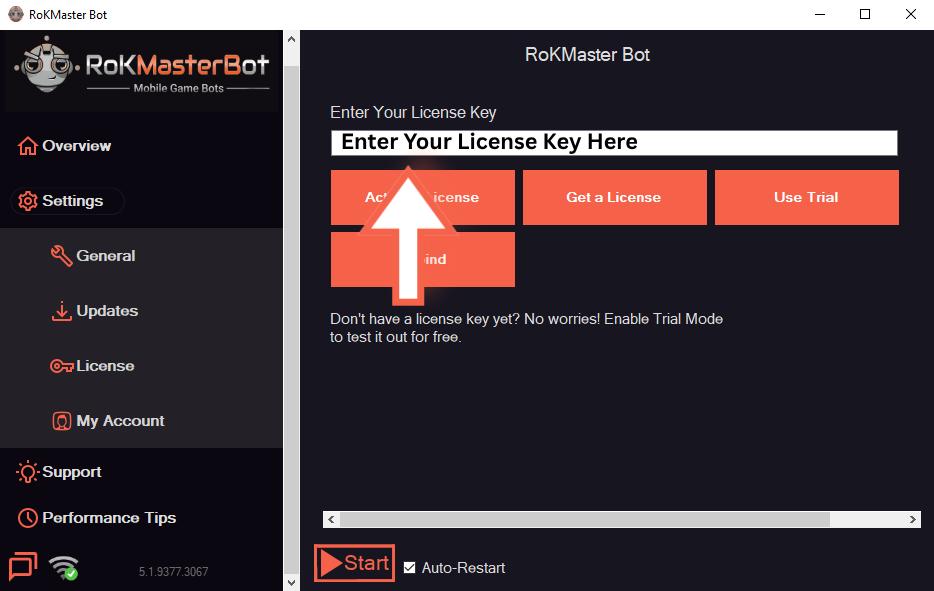
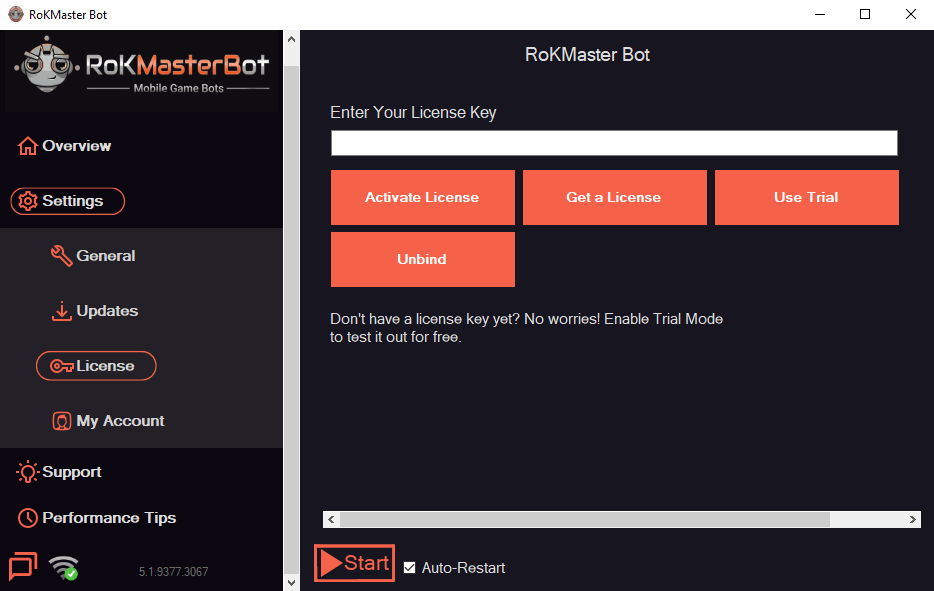
Open RoKMaster and go to Settings → License. Copy the key from your SGHub order page, paste it into the key field and click Activate. Activation is bound to the current device automatically.
- Your key is sent to your SGHub order page and your private Discord ticket.
- Paste the key exactly as shown, without spaces.
- 2
Free Trial
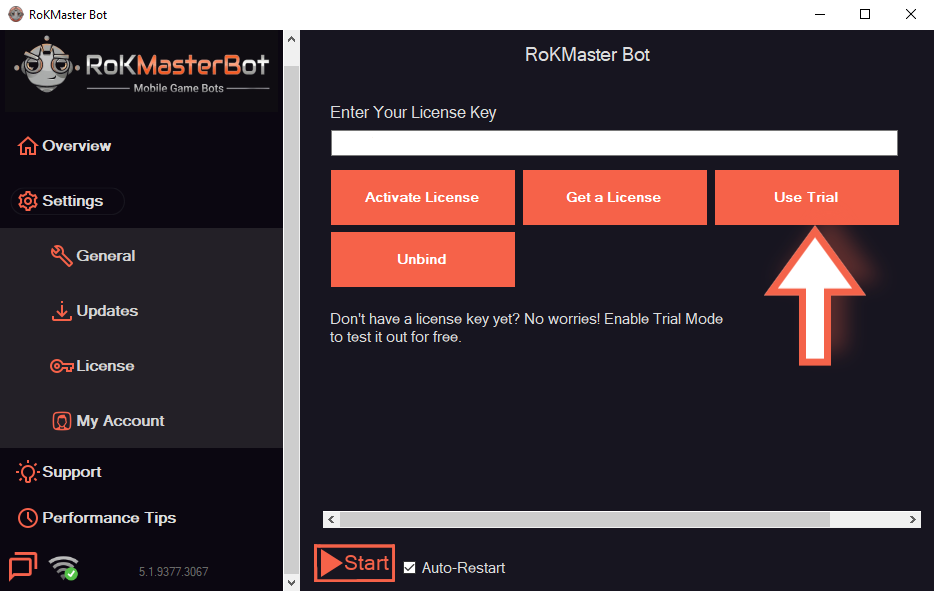
If a trial is enabled on your account, activate the limited trial from the same screen before using your paid key.
- 3
Unbind Device
To move the license to another machine, unbind the current device first. Contact Discord support if you need help releasing it.
Was this guide helpful?