
Run Faster
Performance tuning so RoKMaster and your emulator instances run smoothly, even at scale.
4 min read · Updated August 2026
- 1
Enable Virtualization
Turn on hardware virtualization (VT-x / AMD-V) in your BIOS and Windows. Emulators need it to run multiple instances efficiently.
- 2
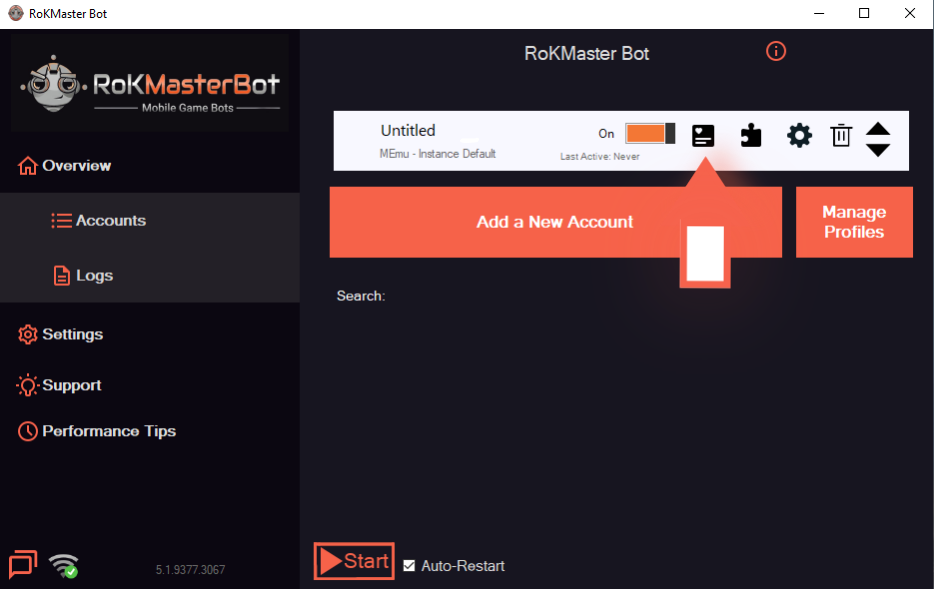
Create Separate Action Lists
Give each account its own action list so farms run independently. Split farming across the lists and spread sessions across the day so no single moment overloads the CPU.
- 3
Optimize Emulator
Give each emulator a sensible CPU and RAM allocation and keep the resolution low. Balanced settings run faster than maximum settings.
- Use the recommended resolution instead of the highest option.
- Leave at least one CPU core free for Windows and RoKMaster.
- 4
Reduce Active Accounts
Run fewer emulator instances at the same time and switch profiles instead of stacking workloads on one machine.
- 5
Use SSD Storage
Install Rise of Kingdoms and RoKMaster on an SSD. Faster storage cuts load times and keeps long sessions stable.
Was this guide helpful?